Peerless Tips About How To Check The Hard Disk Size
Checking the hard disk size is not only practical but also surprisingly simple when you know where to look. Here’s a step-by-step guide, like a mini exploration mission into your computer’s hardware, whether you're using Windows, macOS, or Linux. Let’s go!
For Windows:
- Open File Explorer
- Press
Win + Eor click the File Explorer icon on the taskbar. - Navigate to "This PC" or "My Computer" on the sidebar.
- Press
- Locate Your Hard Drives
- Under "Devices and drives," you’ll see all your hard drives. Each drive will display a bar showing how much storage is used and free.
- View Detailed Information
- Right-click any drive and select Properties.
- In the "General" tab, you’ll find:
- Used space: How much storage you’ve used.
- Free space: How much is available.
- Capacity: The total size of the hard disk.
- For Advanced Details
- Open Disk Management by pressing
Win + Xand selecting Disk Management. - Here, you’ll see all partitions and the full hard disk size, including unallocated space.
- Open Disk Management by pressing
For macOS:
- Open "About This Mac"
- Click the Apple logo in the top-left corner and choose About This Mac.
- Select the Storage Tab
- In the window that opens, select the Storage tab.
- Your system will show a visual breakdown of your disk usage and total storage.
- Use Disk Utility for Advanced Information
- Open Disk Utility (search it with Spotlight using
Cmd + Spaceand typing "Disk Utility"). - Select your hard disk on the left to see total size and partition details.
- Open Disk Utility (search it with Spotlight using
For Linux (Ubuntu or Similar):
- Using the GUI
- Open the Files application and go to Computer or This PC to see free and used space.
- Using Disk Usage Analyzer
- Search for Disk Usage Analyzer in your application menu.
- It scans your disk and provides a detailed report, including the total size.
- Using the Command Line
- Open a terminal (Ctrl + Alt + T) and type:
- This will display the total size, used space, and available space for all mounted drives.
- To check specific hard drives:
- This shows block devices with their sizes and partitions.
- Open a terminal (Ctrl + Alt + T) and type:
Why Does This Matter?
Knowing your hard disk size isn't just about trivia – it’s about managing resources effectively, upgrading if needed, and ensuring you’ve got the room to install those mindblowing apps or save your priceless data. And if you're ever into tech troubleshooting, you now have another powerful tool in your belt.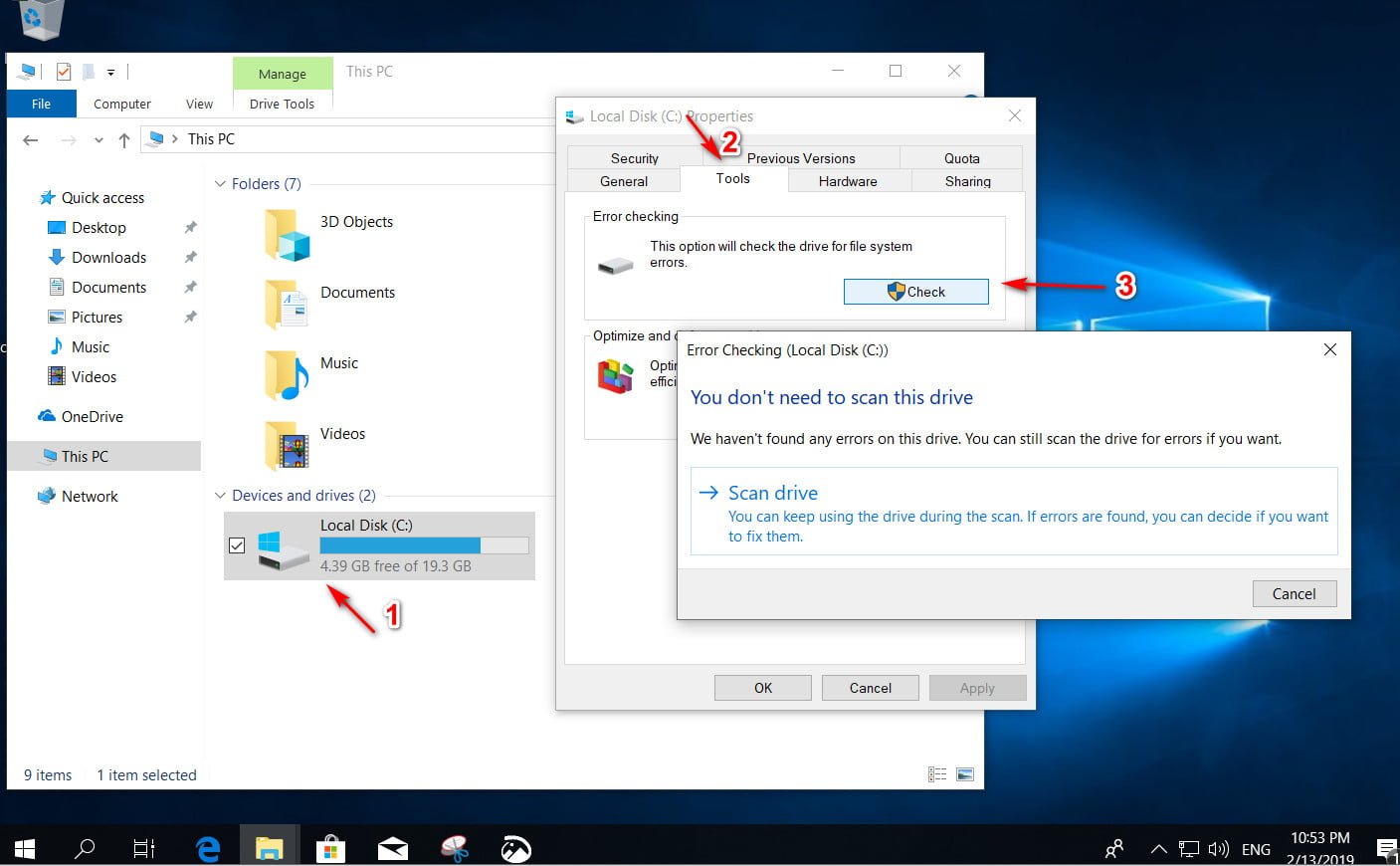
How To Check Hard Disk Size In Your Computer Or Laptop?[2020

How To Check Hard Disk Health Youtube
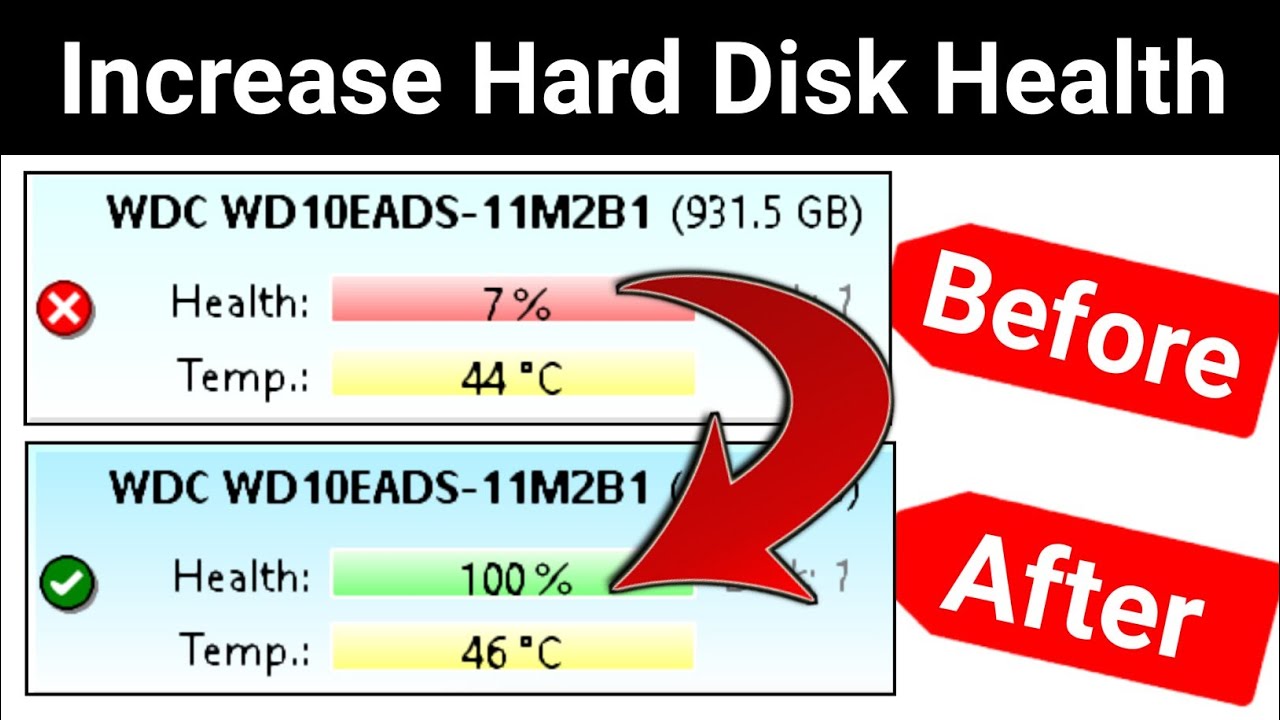
How To Check Hard Disk Health Repair
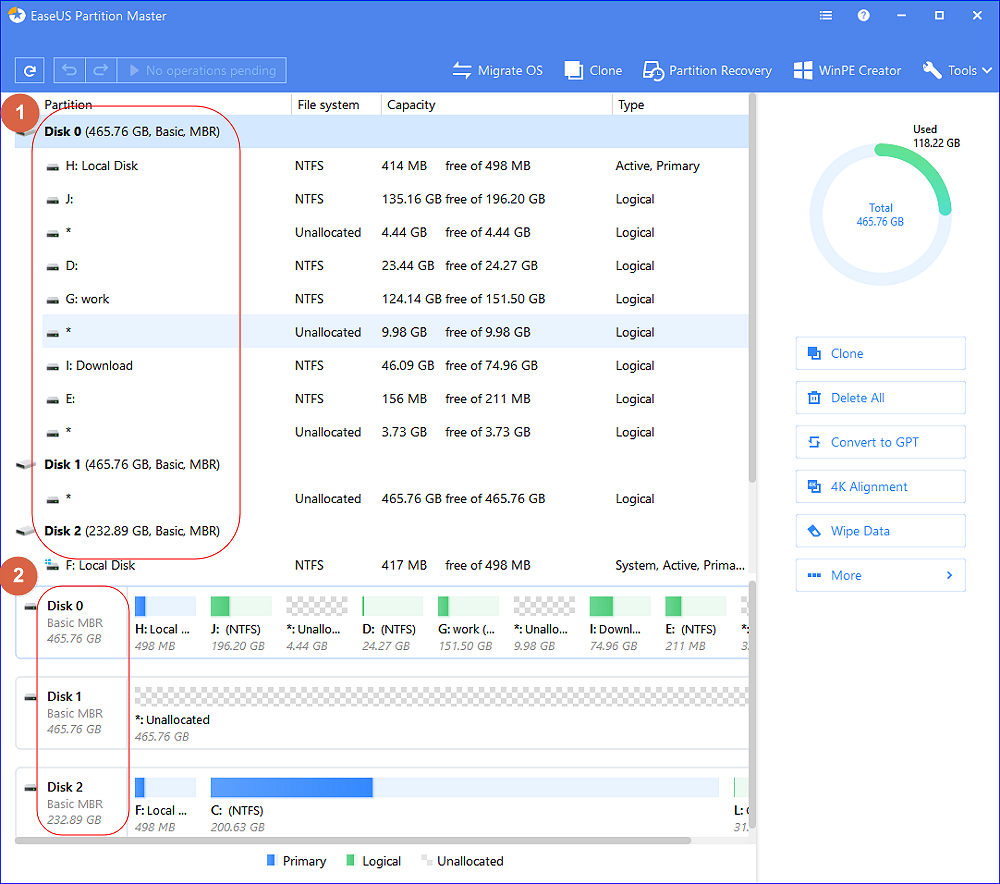
How To Check Total Hard Disk Size In Windows 10/8/7 Every Possible

Check Total Size Of Hard Disk In Windows 10 Basics Computer


Comments
Post a Comment